Curriculum alignment that happens while you plan, not after.
Curriculum mapping should not be a separate compliance task. Planlark resolves learning outcomes by explicit codes, IDs, subject filters, or even the lesson text itself, then links them to the correct lessons and units. Coverage is visible across the term so you always know what has been taught and what has not.
What the AI can do
AI can match outcomes from curriculum text and attach them to the right lessons or units.
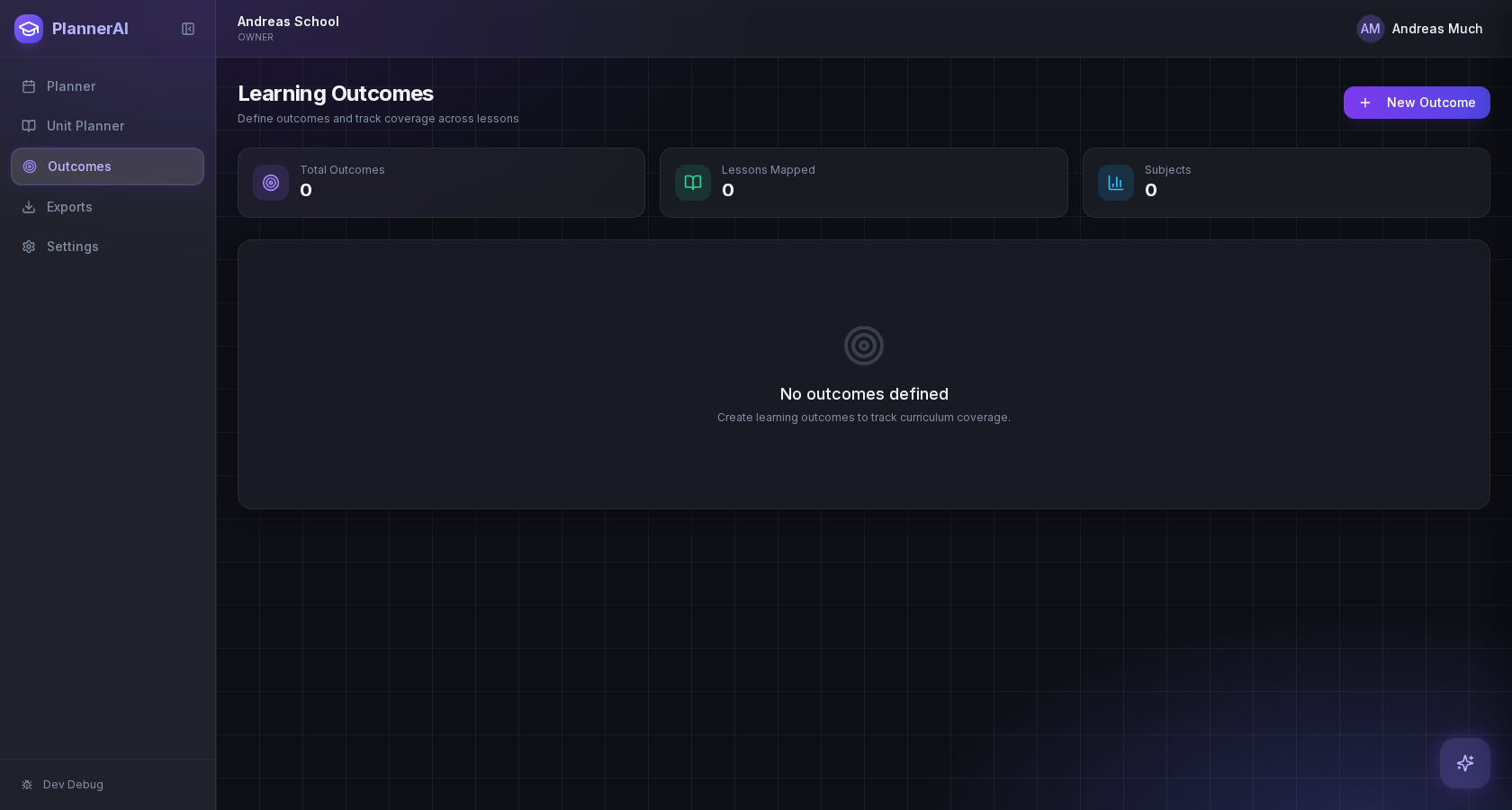
Curriculum alignment happens as part of planning, not as a separate compliance task.
Context aware
Connected to the weekly planner, schedule rules, and unit structure.
Teacher controlled
You review and refine changes instead of handing the whole process away.
Built for school reality
Designed around shifting timetables, real curriculum work, and mid-week edits.
Where Outcome Auto-Linking fits into the planning week.
Resolve outcomes by explicit IDs or codes when teachers know them, and by lesson text or subject filters when they do not.
Attach outcomes at the lesson or unit level so coverage is visible across the term, not buried in isolated plans.
Reduce manual mapping work while keeping outcome links editable when teachers want to refine them.
Real reasons teachers reach for this feature.
Code-based linking
Type an outcome code like "SS9.2.1" and Planlark attaches it to the lesson and updates coverage tracking.
Text-based matching
Write a lesson about "supply and demand" and the AI suggests the best-fit economics outcomes automatically.
Unit-level coverage
View all outcomes attached across a unit and spot gaps before the unit ends.
What it looks like when a teacher actually uses it.
These example prompts and outcomes show the kind of planning work this feature is designed to handle.
Prompt
"Map these Chapter 6 mixed-economy lessons to the Grade 9 social outcomes and link them to the unit automatically."
Outcome
Planlark matches the best-fit outcomes, attaches them to the unit and lessons, and updates the coverage view.
Prompt
"Which outcomes have I not covered yet this term for Science 10?"
Outcome
Planlark scans all lessons and units, then lists the outcomes that still have zero or minimal coverage.
Prompt
"Auto-link outcomes to every lesson in the Confederation unit."
Outcome
The AI reads each lesson brief, matches relevant outcomes, and attaches them in bulk.
Keep exploring the planning workflow.
Related help
Learn how to use this in the product.
Curriculum
How to import curriculum and outcomes in Planlark
Paste curriculum text or ask Lark to import a framework, then review sub-outcomes, guiding questions, QA warnings, and shared-library approval before planning from it.
Read help guideUnit Planning
How to build units and lesson sequences in Planlark
Use the Unit Planner to create a unit, add source material, generate lesson sequences on real dates, and keep outcomes tied to the plan.
Read help guideAI
How to use Lark inside Planlark
Use Lark by text or voice to create, edit, delete, reschedule, and explain planning work across lessons, units, outcomes, and assessments.
Read help guideRelated features
Keep exploring the workflow.
Scheduling
Auto-Scheduled Plans
Units and lesson sequences can land on real class dates automatically using your rotation, holidays, and calendar overrides.
Read feature pageCalendar
Calendar Command Center
Your planner stays connected to the actual school calendar, not a generic week view.
Read feature pageReflection
Daily Debrief
Quick end-of-day reflection becomes planning memory instead of getting lost in notes.
Read feature pageEarly access
Try Outcome Auto-Linking inside the full planner
Join the waitlist to see how Planlark connects weekly planning, AI actions, schedule logic, and curriculum tracking.
No credit card required. Early access updates only.