1
Start from the Outcomes area or open Lark
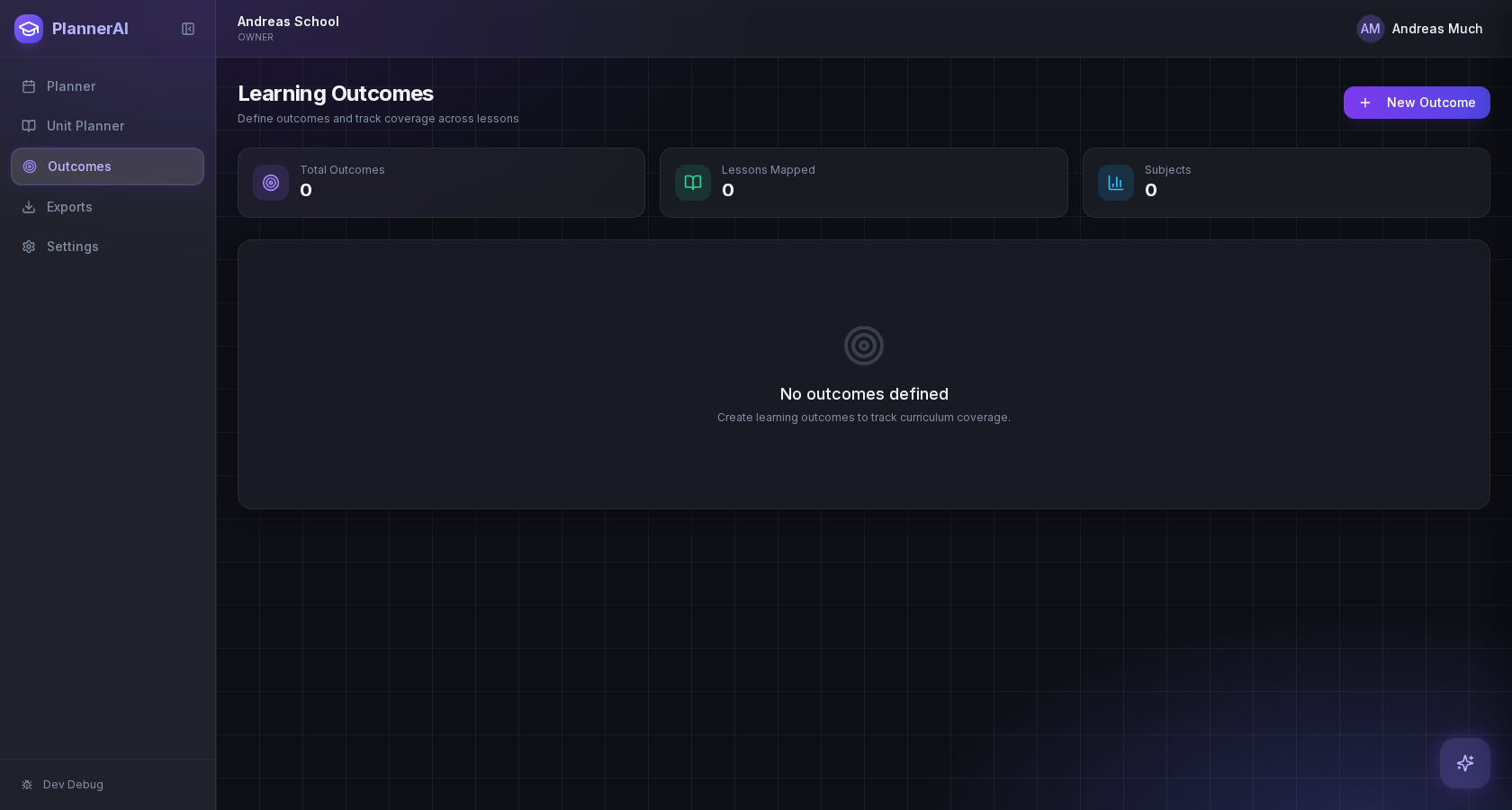
Use the Outcomes screen if you want to review records immediately, or open Lark if you want a faster guided workflow. Both routes can trigger curriculum import.
Paste curriculum text or ask Lark to import a framework, then review sub-outcomes, guiding questions, QA warnings, and shared-library approval before planning from it.
Who this guide is for
Teachers importing standards, outcomes, or curriculum documents for a subject or course.
By the end
Import curriculum using pasted text or a natural-language Lark request.
By the end
Review parent outcomes, subpoints, and guiding questions before accepting an import.
By the end
Turn imported outcomes into units, lessons, and coverage tracking.
These steps are ordered to match how the planner works in practice, so later actions build on the context created in earlier ones.
Use the Outcomes screen if you want to review records immediately, or open Lark if you want a faster guided workflow. Both routes can trigger curriculum import.
You can paste curriculum standards directly, upload source material, or ask Lark something like “Import the Alberta Social 9 curriculum.” Planlark will attempt to structure parent outcomes, sub-outcomes, and guiding questions.
After import, check the counts for top-level outcomes, child outcomes, and guiding questions. If something looks thin or incomplete, ask Lark to re-run the import or paste a more complete source before approving it.
Planlark is designed to ask whether anything is missing before the curriculum is approved for broader reuse. This is the right time to spot missing subpoints, weak codes, or missing guiding questions.
Once the import looks right, link outcomes to units, build a year plan, generate lesson sequences, or ask Lark to show coverage gaps. Imported curriculum becomes most useful when it is connected to real planning work, not left as a standalone list.
FAQ
Do not approve the import yet. Re-import with a better source, ask Lark to re-run the import, or edit the outcome records so the structure is complete before reusing it.
Because curriculum records may be reused later. Approval is the checkpoint that keeps incomplete imports from becoming the shared version others depend on.
Related guides
Use the Unit Planner to create a unit, add source material, generate lesson sequences on real dates, and keep outcomes tied to the plan.
Build quizzes, exit tickets, standard assignments, and text-based assignments with answer keys, editable question types, and AI control over each assessment.
Use Lark by text or voice to create, edit, delete, reschedule, and explain planning work across lessons, units, outcomes, and assessments.
Early access
Join the early access list and use Planlark with your real schedule, curriculum, units, and assessments.
No credit card required. Early access updates only.