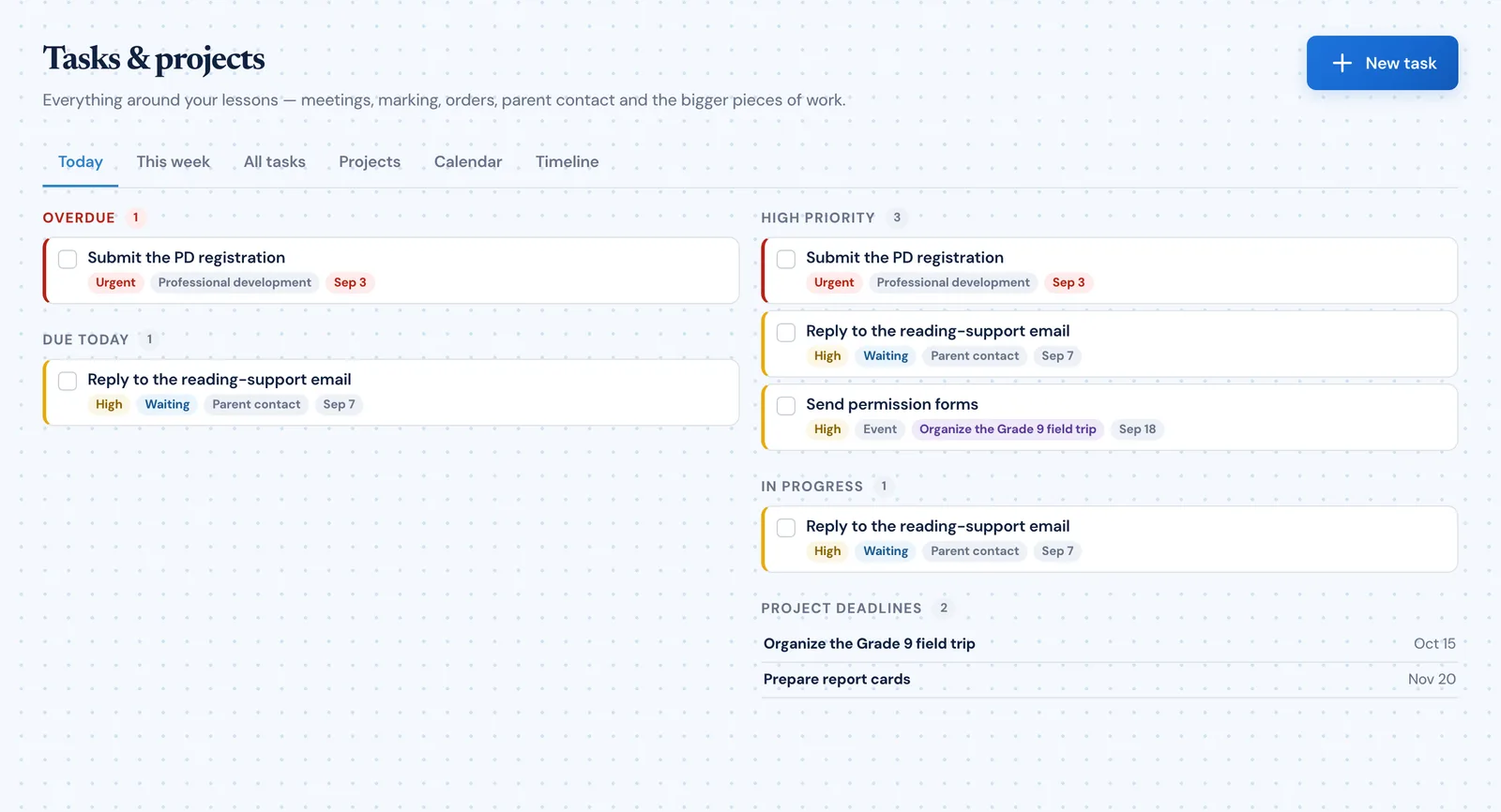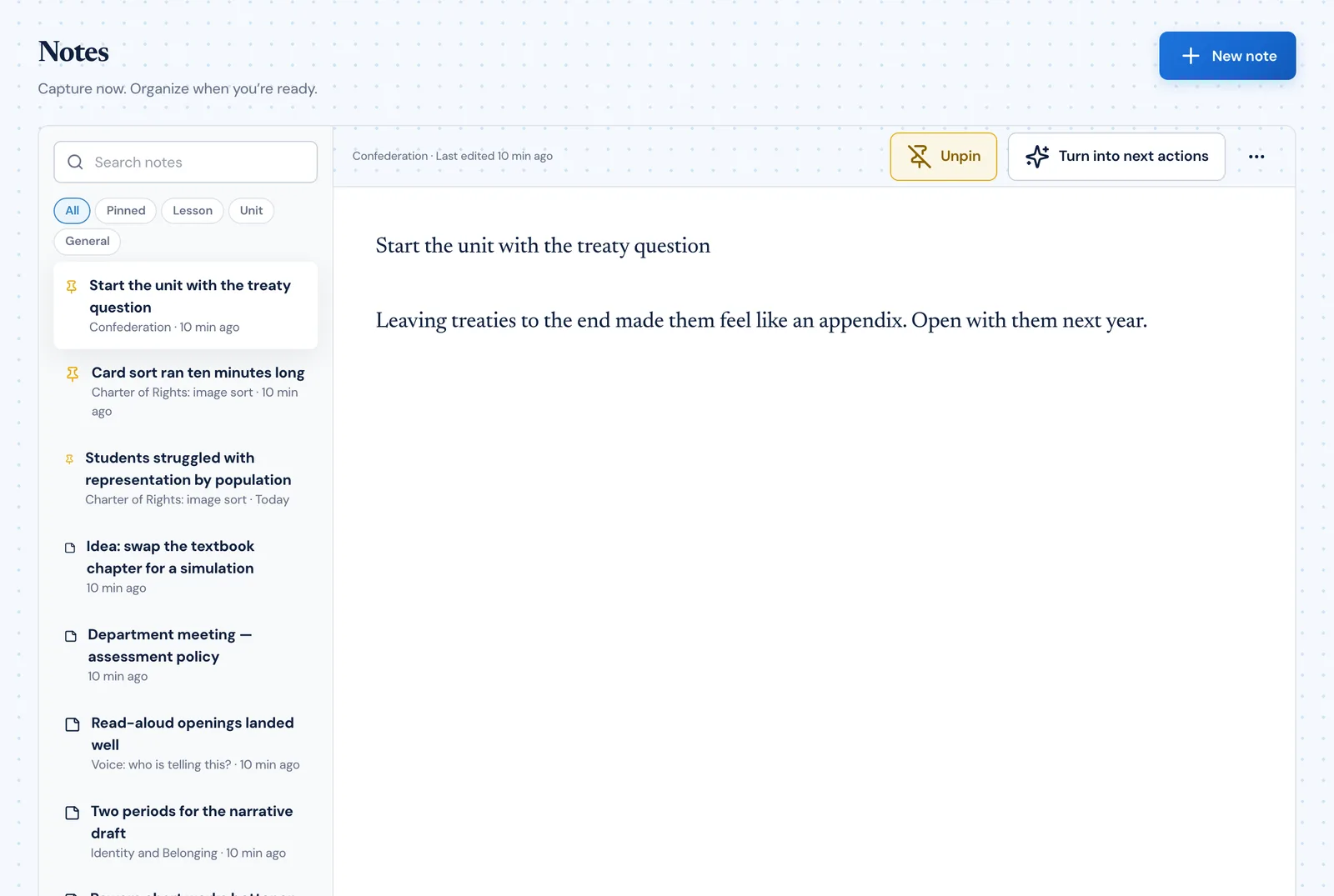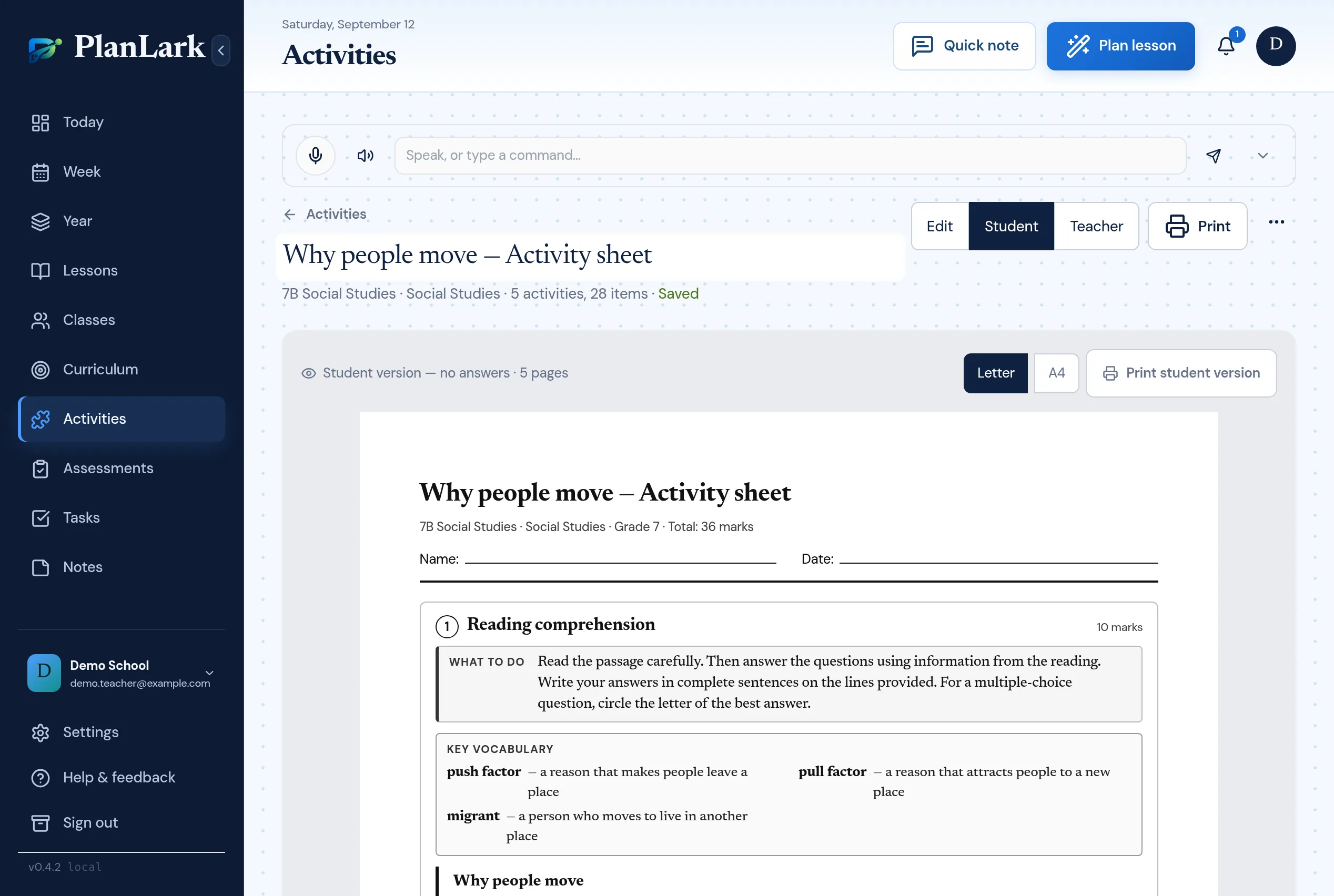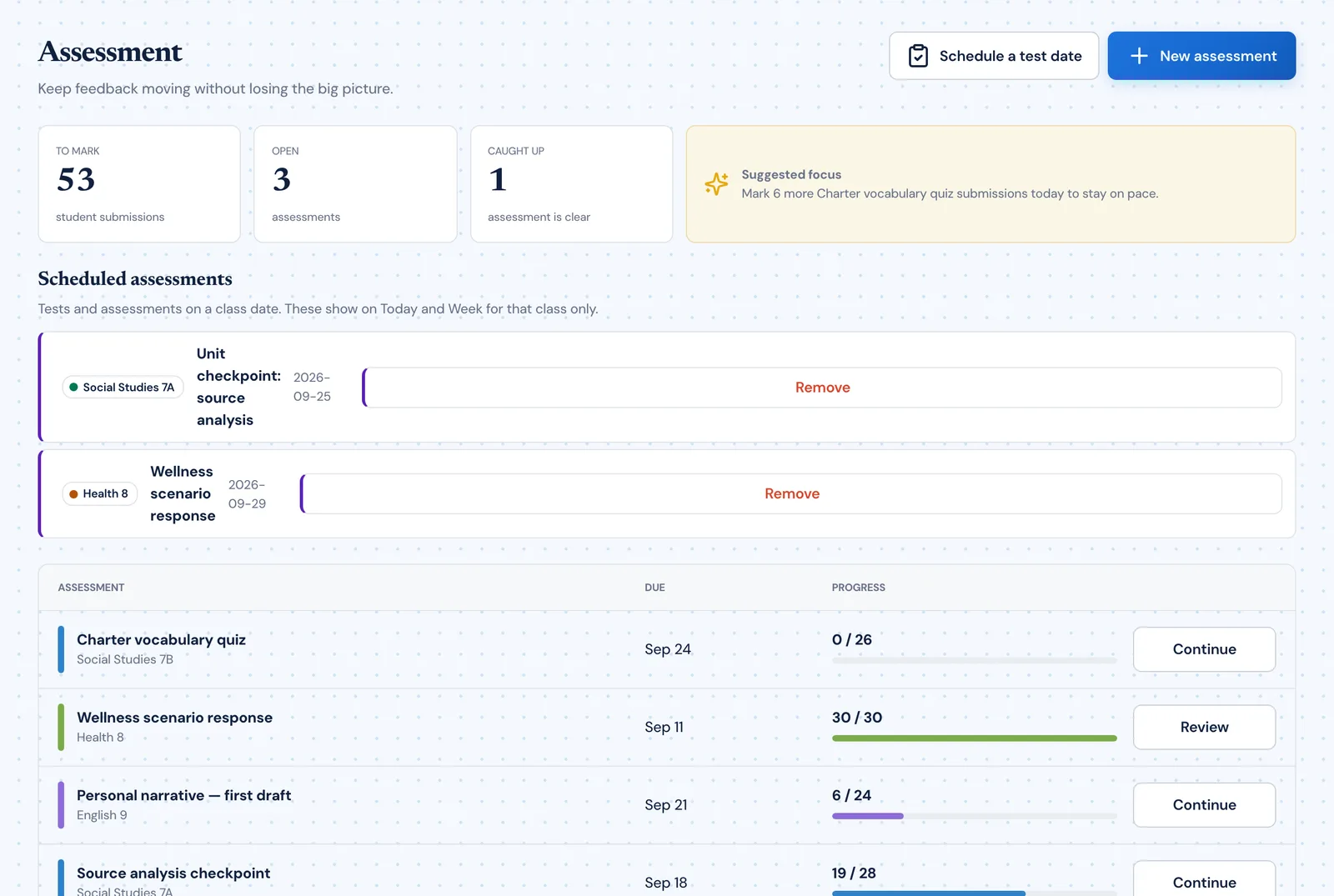
An AI assistant that already knows your classroom before you ask.
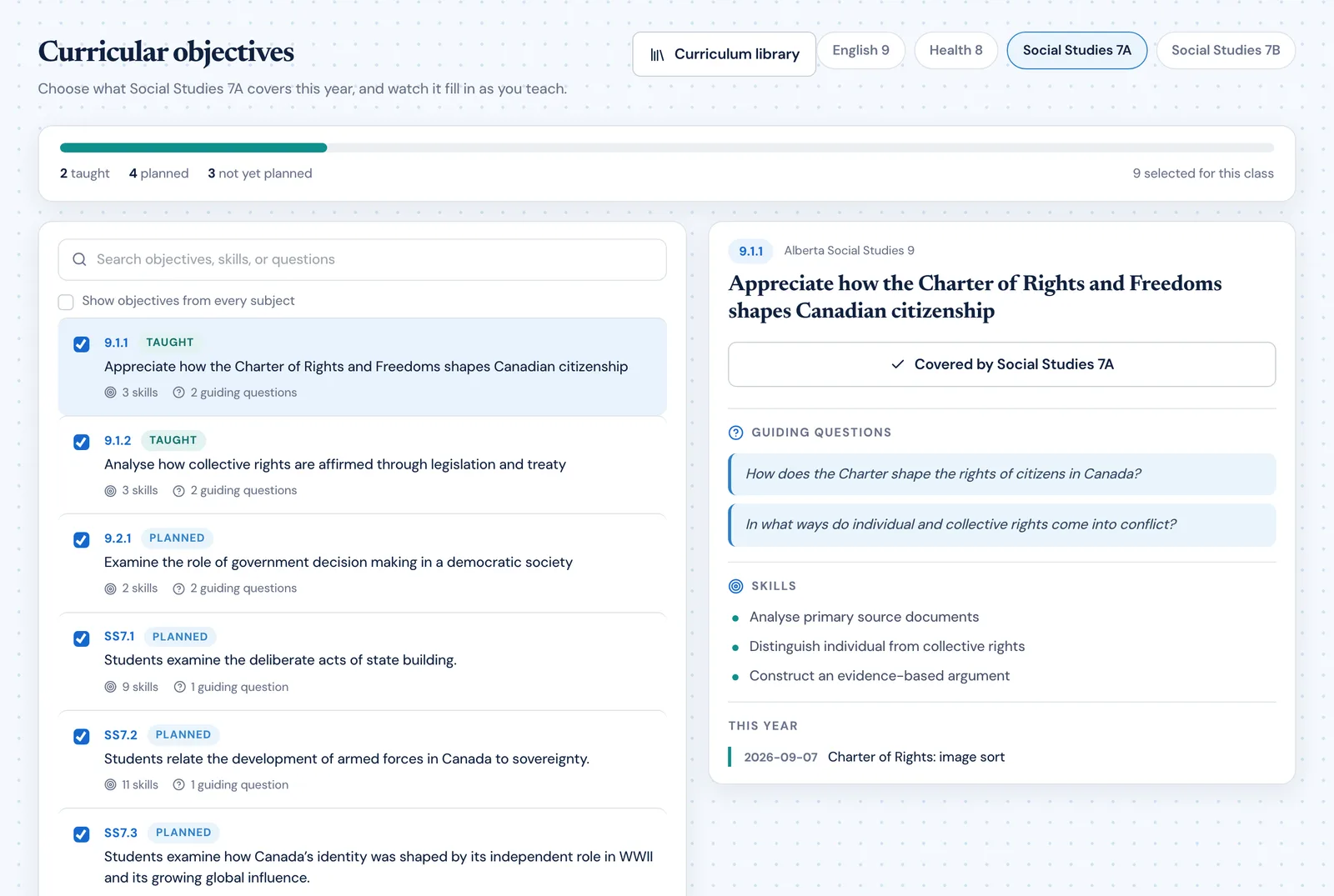
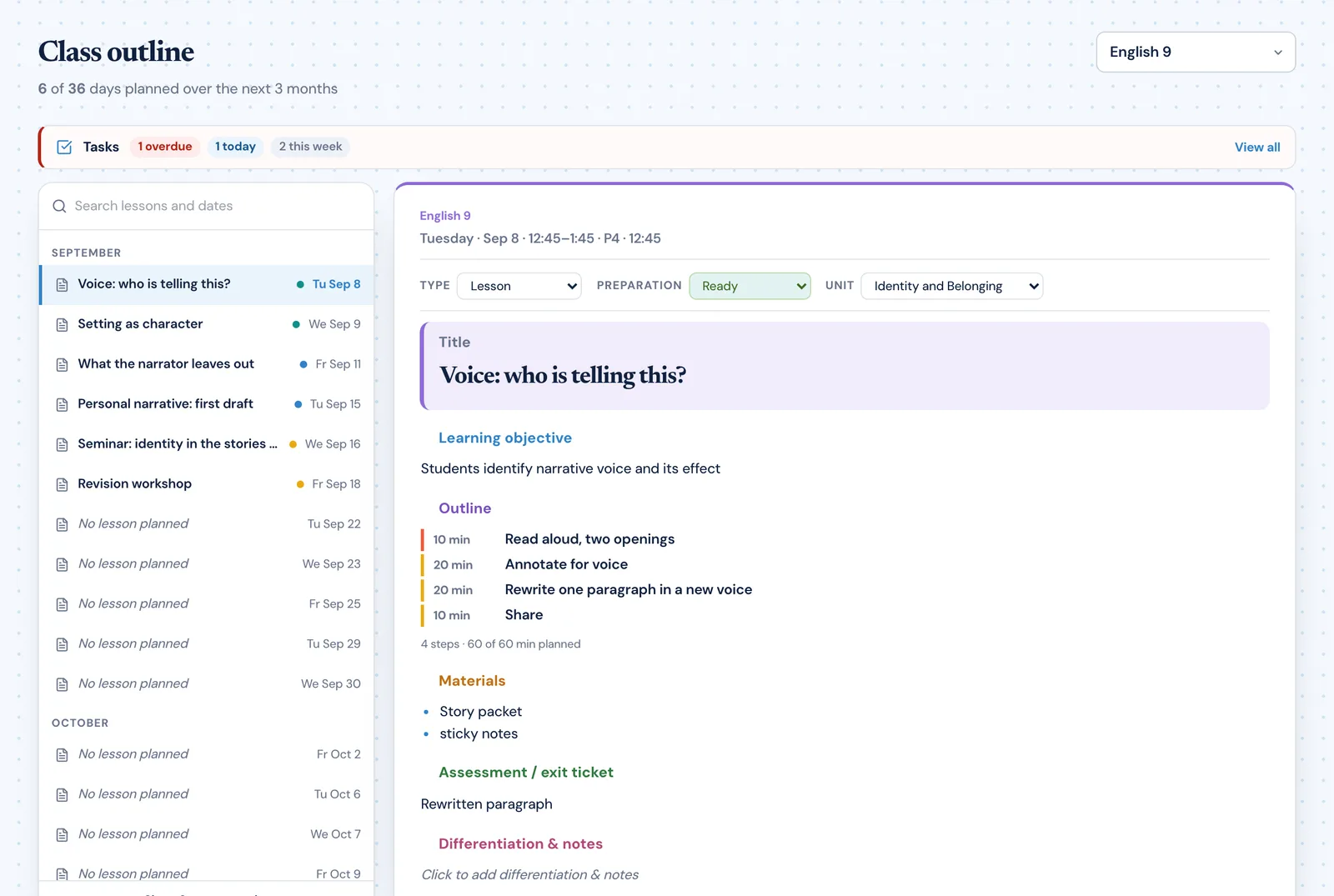
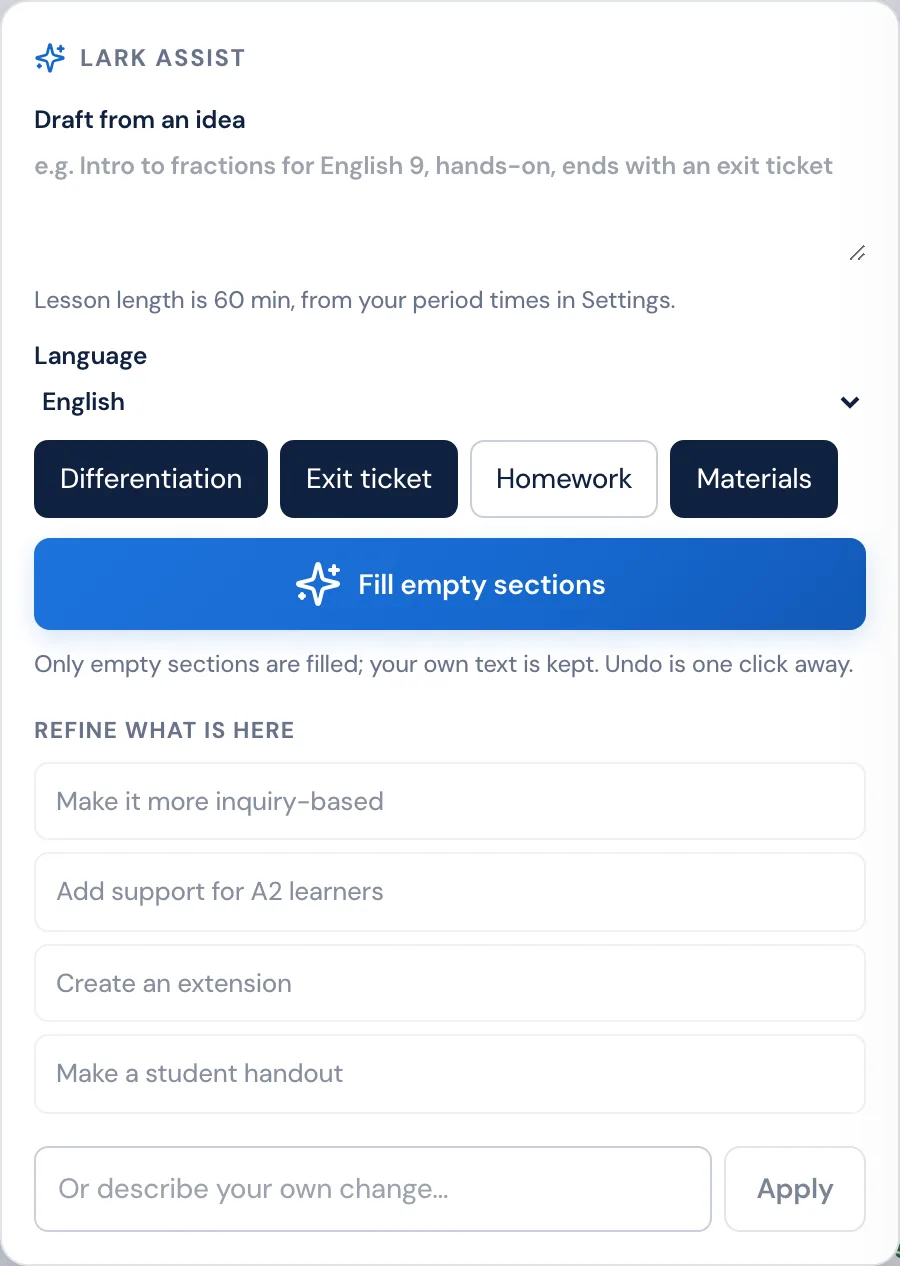
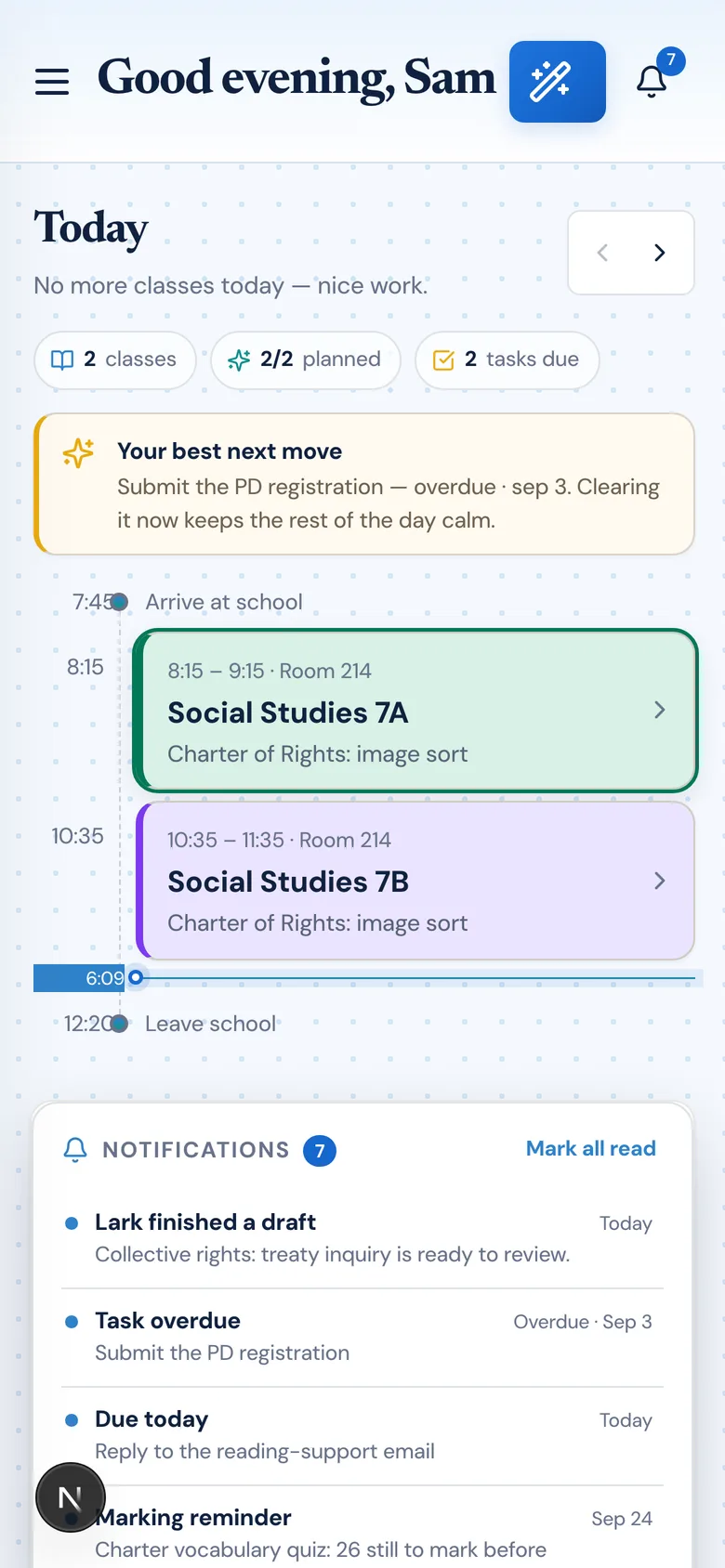
No blank prompt box. Lark sees your schedule, recent lessons, uploaded documents, units, outcomes, and calendar before it proposes or applies changes. It handles planning, scheduling, curriculum alignment, and calendar actions from natural language — and you stay in control of every change.
What the AI can do
Lark can create, edit, delete, and reorganize planning work for you.

Lark works inside the planner instead of acting like a disconnected chatbot.
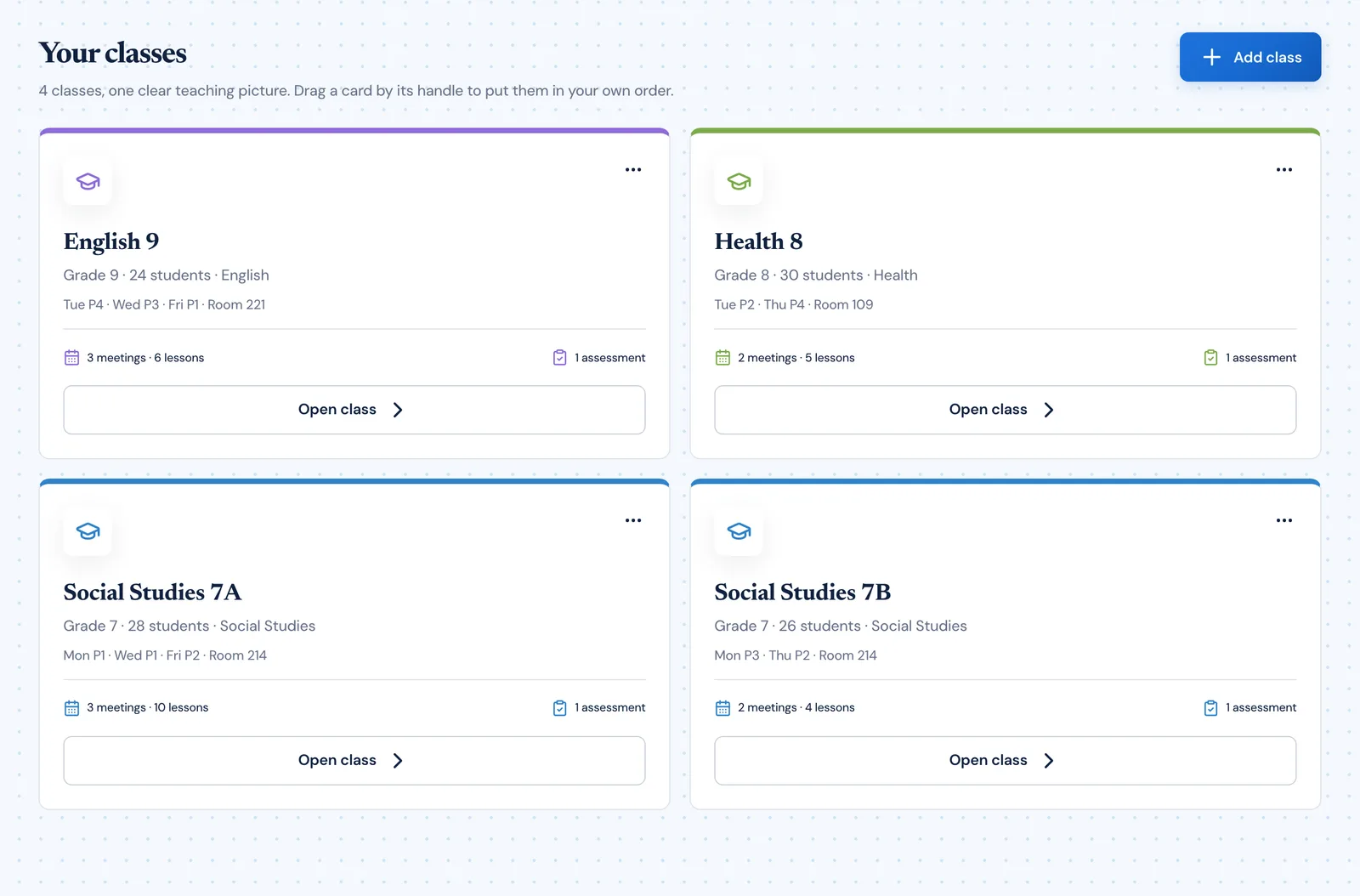
Context aware
Connected to the weekly planner, schedule rules, and unit structure.
Teacher controlled
You review and refine changes instead of handing the whole process away.
Built for school reality
Designed around shifting timetables, real curriculum work, and mid-week edits.
Where Lark AI fits into the planning week.
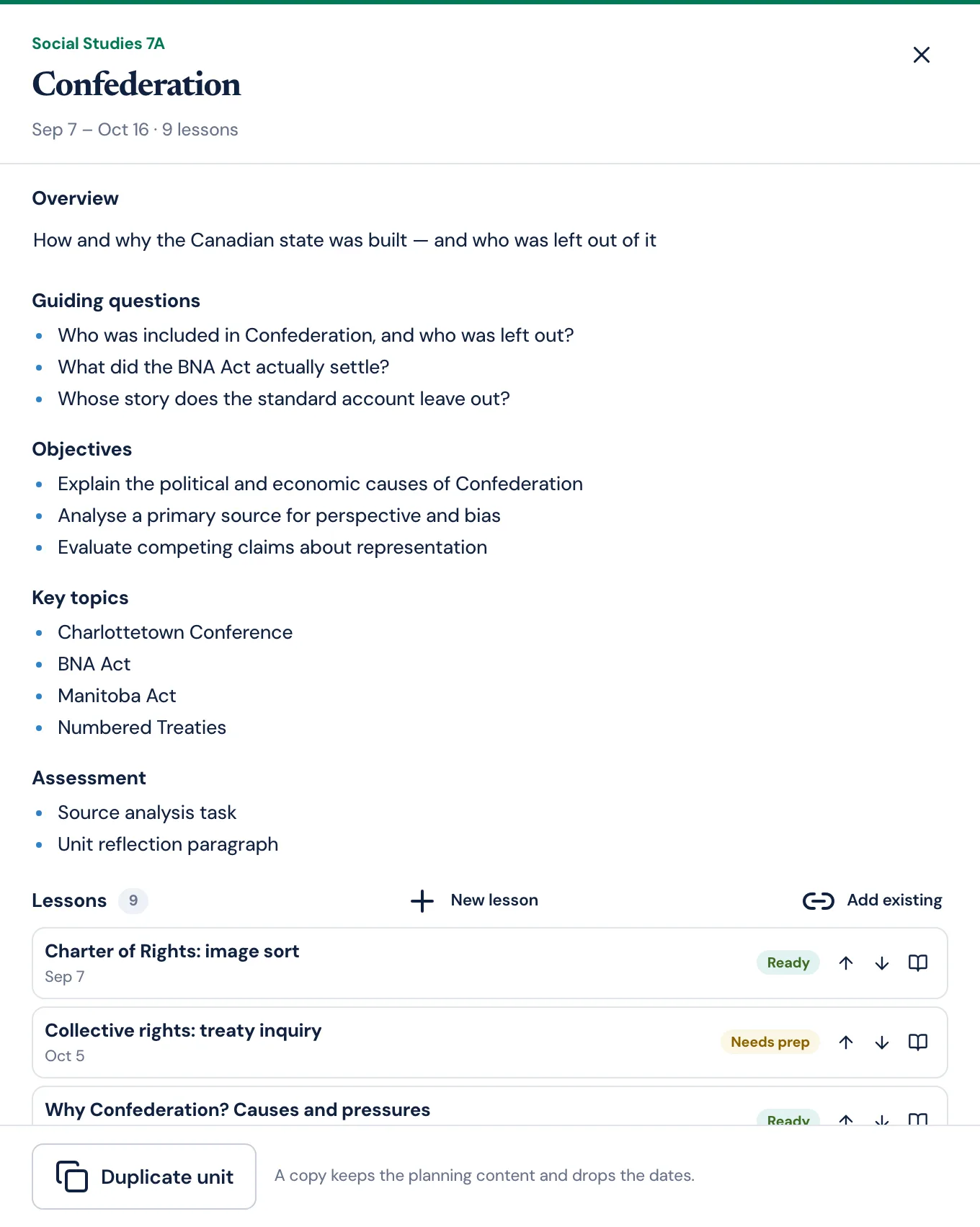
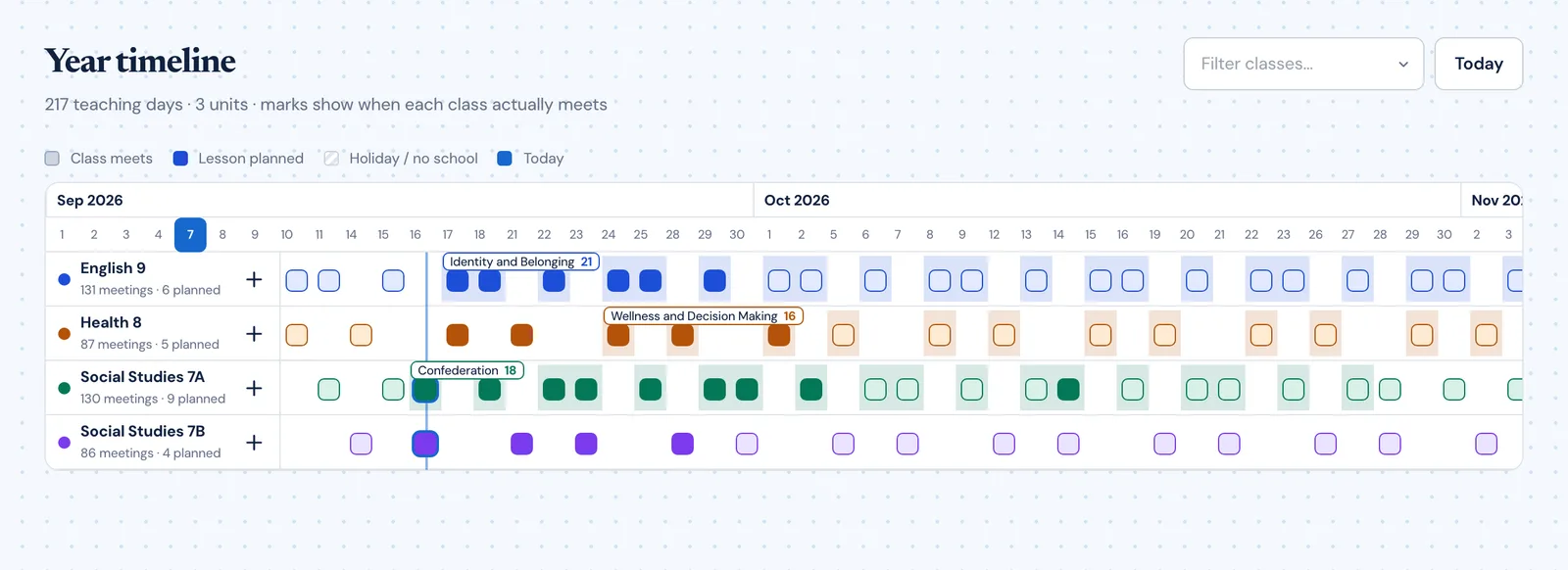
Ground the AI in the real schedule, existing lessons, units, outcomes, documents, and recent classroom history.
Use one assistant to handle planning, scheduling, curriculum alignment, and calendar actions from natural language.
Keep humans in control while the system performs the planning work and returns structured changes.
Real reasons teachers reach for this feature.
Multi-step planning
Ask Lark to create a lesson sequence, move a quiz, and delete a duplicate entry — all in one request.
Context-aware suggestions
Lark already knows your subjects, upcoming assessments, and recent debriefs, so suggestions fit your real week.
Batch operations
Reorganize a full unit lesson order, update outcomes, and reschedule dates in a single conversation turn.
What it looks like when a teacher actually uses it.
These example prompts and outcomes show the kind of planning work this feature is designed to handle.
Prompt
"Create a three-lesson sequence on immigration policy for Social 10, move the quiz to next week, and delete the duplicate review block."
Outcome
Planlark drafts the sequence, updates the quiz timing, removes the duplicate item, and keeps the rest of the plan coherent.
Prompt
"What do I have planned for Social 9A this week?"
Outcome
Lark pulls up the current weekly lessons, outcomes, and any pending debriefs for that class.
Prompt
"Rewrite Lesson 3 to focus more on group work and add an exit ticket."
Outcome
Planlark updates the lesson content, keeps the date and unit link intact, and saves the changes.
Keep exploring the planning workflow.
Related help
Learn how to use this in the product.
AI
How to use Lark inside Planlark
Use Lark by text or voice to create, edit, delete, reschedule, and explain planning work across lessons, units, outcomes, and assessments.
Read help guideAssessments
How to create assessments and assignment templates in Planlark
Build quizzes, exit tickets, standard assignments, and text-based assignments with answer keys, editable question types, and AI control over each assessment.
Read help guideGetting Started
How to get started with Planlark
Set up your schedule, classes, and first planning workflow so the weekly planner, units, and AI actions all use the right school context.
Read help guideRelated features
Keep exploring the workflow.
Scheduling
Auto-Scheduled Plans
Units and lesson sequences can land on real class dates automatically using your rotation, holidays, and calendar overrides.
Read feature pageCalendar
Calendar Command Center
Your planner stays connected to the actual school calendar, not a generic week view.
Read feature pageReflection
Daily Debrief
Quick end-of-day reflection becomes planning memory instead of getting lost in notes.
Read feature pageEarly access
Try Lark AI inside the full planner
Join the waitlist to see how Planlark connects weekly planning, AI actions, schedule logic, and curriculum tracking.
No credit card required. Early access updates only.