Paste your source material. Get a full unit with sequenced lessons.
Stop building units from a blank page. Paste textbook chapter summaries, scope-and-sequence notes, or curriculum overview text and Planlark generates a complete unit plan with sequenced lessons, follow-up prompts, and structure you can edit immediately. The source language is preserved so the unit feels like yours.
What the AI can do
AI can turn raw source text into a unit plan, lesson sequence, and follow-up prompts.
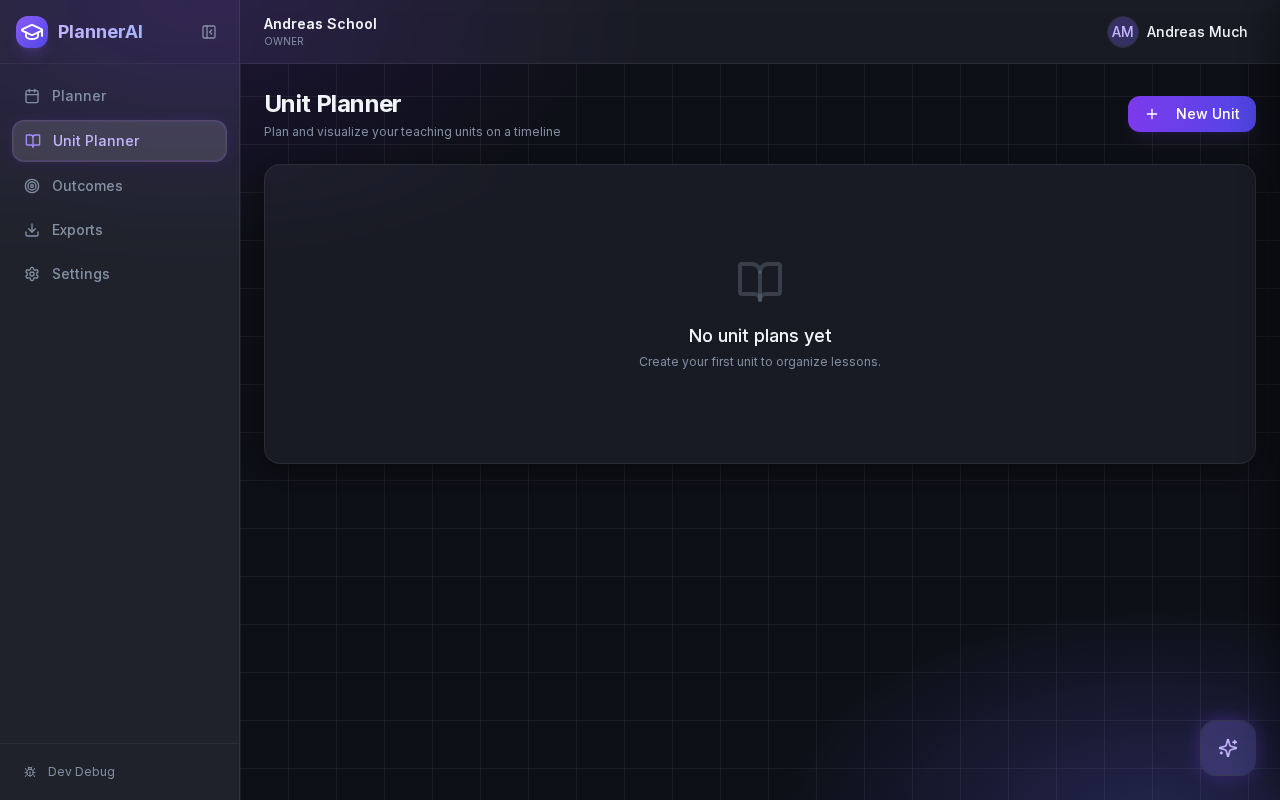
Source text becomes a usable sequence instead of another document sitting beside the planner.
Context aware
Connected to the weekly planner, schedule rules, and unit structure.
Teacher controlled
You review and refine changes instead of handing the whole process away.
Built for school reality
Designed around shifting timetables, real curriculum work, and mid-week edits.
Where Unit Import & Sequencing fits into the planning week.
Start from textbook chapters, curriculum overviews, or pasted scope-and-sequence notes instead of planning from a blank page.
Generate lesson sequences that preserve the language and structure of the source material while adapting it for classroom use.
Move from raw content to a real unit timeline faster, with lessons ready for editing and scheduling.
Real reasons teachers reach for this feature.
Textbook import
Paste chapter summaries from a social studies textbook and get an 8-lesson unit with ready-to-edit lessons.
Curriculum doc conversion
Drop in a scope-and-sequence paragraph and the AI structures it into a dated unit with logical lesson flow.
Cross-subject planning
Import material for multiple subjects and generate parallel units that respect your shared calendar.
What it looks like when a teacher actually uses it.
These example prompts and outcomes show the kind of planning work this feature is designed to handle.
Prompt
"Use these chapter summaries on collective rights and immigration policy to build a Social Studies unit with eight sequenced lessons."
Outcome
Planlark creates the unit, drafts the eight lessons, and returns a sequence that can be scheduled, edited, and linked to outcomes.
Prompt
"Turn this scope-and-sequence outline into a three-week Science 9 unit."
Outcome
Planlark builds the unit, sequences lessons across three weeks, and slots them onto real class dates.
Prompt
"Import these chapter notes and suggest where to split the unit into two parts."
Outcome
The AI analyzes the content, proposes a midpoint split, and generates two connected unit plans.
Keep exploring the planning workflow.
Related help
Learn how to use this in the product.
Curriculum
How to import curriculum and outcomes in Planlark
Paste curriculum text or ask Lark to import a framework, then review sub-outcomes, guiding questions, QA warnings, and shared-library approval before planning from it.
Read help guideUnit Planning
How to build units and lesson sequences in Planlark
Use the Unit Planner to create a unit, add source material, generate lesson sequences on real dates, and keep outcomes tied to the plan.
Read help guideAssessments
How to create assessments and assignment templates in Planlark
Build quizzes, exit tickets, standard assignments, and text-based assignments with answer keys, editable question types, and AI control over each assessment.
Read help guideRelated features
Keep exploring the workflow.
Unit Planning
Unit Timeline Resizing
Stretch units left or right on the timeline to extend or tighten the plan as pacing changes.
Read feature pageScheduling
Auto-Scheduled Plans
Units and lesson sequences can land on real class dates automatically using your rotation, holidays, and calendar overrides.
Read feature pageCalendar
Calendar Command Center
Your planner stays connected to the actual school calendar, not a generic week view.
Read feature pageEarly access
Try Unit Import & Sequencing inside the full planner
Join the waitlist to see how Planlark connects weekly planning, AI actions, schedule logic, and curriculum tracking.
No credit card required. Early access updates only.