1
Open the Unit Planner and create a unit shell
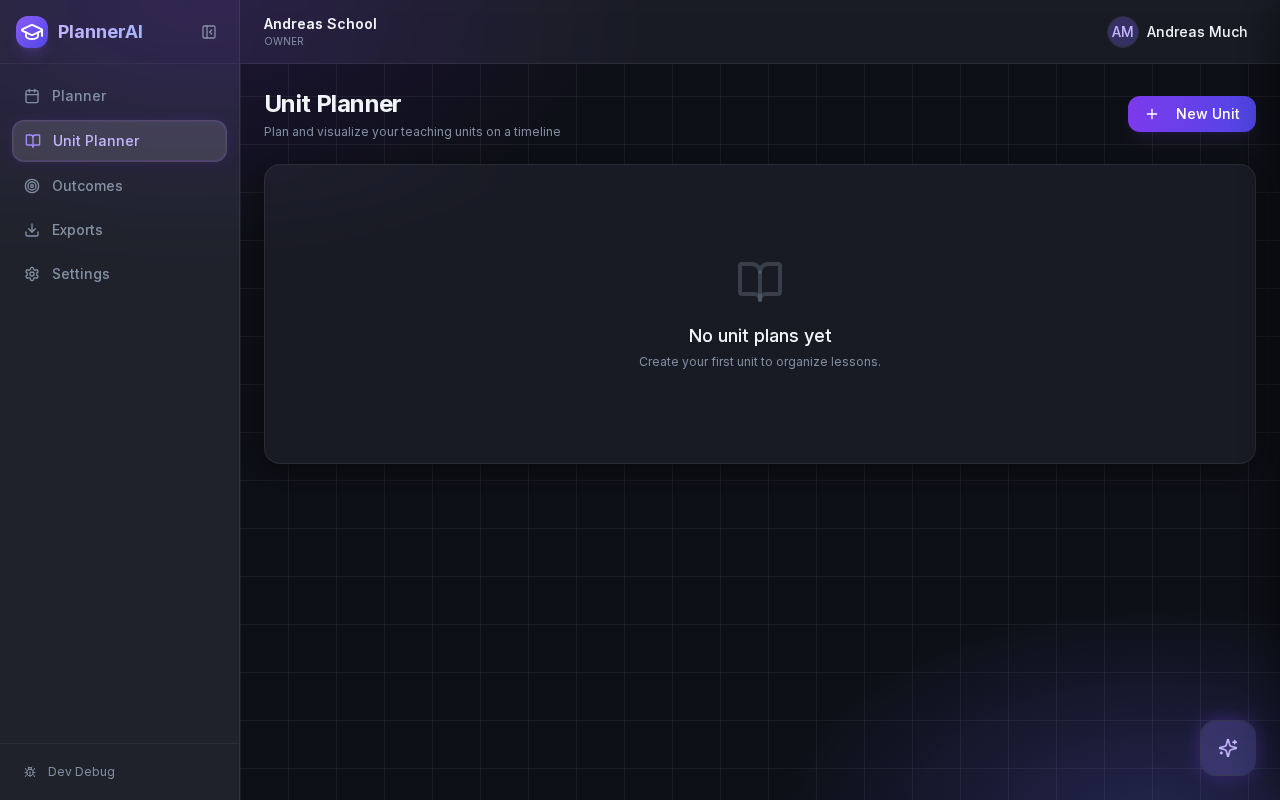
Start with a unit title, date range, subject, and a short description. Even a light unit shell helps Planlark decide how to schedule lessons and where they belong in the timeline.
Use the Unit Planner to create a unit, add source material, generate lesson sequences on real dates, and keep outcomes tied to the plan.
Who this guide is for
Teachers building a new unit, importing source material, or turning a topic into sequenced lessons.
By the end
Create or import a unit in the Unit Planner.
By the end
Generate lesson sequences that stay aligned to real class dates.
By the end
Keep unit objectives, topics, and outcomes connected while editing.
These steps are ordered to match how the planner works in practice, so later actions build on the context created in earlier ones.
Start with a unit title, date range, subject, and a short description. Even a light unit shell helps Planlark decide how to schedule lessons and where they belong in the timeline.
Paste source text, chapter notes, curriculum excerpts, or key topics. The more concrete context you provide, the more usable the generated sequence will be.
These actions generate a sequence of lessons that fit the available dates for that class. Planlark uses the real school schedule instead of guessing a generic Monday to Friday pattern.
Check whether the unit is too long, too short, or missing coverage. This is also the point where outcome mapping and pacing checks become useful, because the sequence already exists.
Ask Lark to shorten a unit, change Lesson 4, add an assessment, or regenerate only part of the sequence. You should not need to rewrite the whole unit to make one meaningful adjustment.
FAQ
Yes. Source text is one of the best ways to start because it gives the unit planner actual material to structure and sequence.
No. Planlark is built so you can edit single lessons, revise part of a sequence, or ask Lark for a targeted change instead of rebuilding everything.
Related guides
Paste curriculum text or ask Lark to import a framework, then review sub-outcomes, guiding questions, QA warnings, and shared-library approval before planning from it.
Use the weekly and daily planner views to track real class dates, move lessons safely, spot gaps, and feed debrief notes back into the next plan.
Build quizzes, exit tickets, standard assignments, and text-based assignments with answer keys, editable question types, and AI control over each assessment.
Early access
Join the early access list and use Planlark with your real schedule, curriculum, units, and assessments.
No credit card required. Early access updates only.