Schedule-aware by default
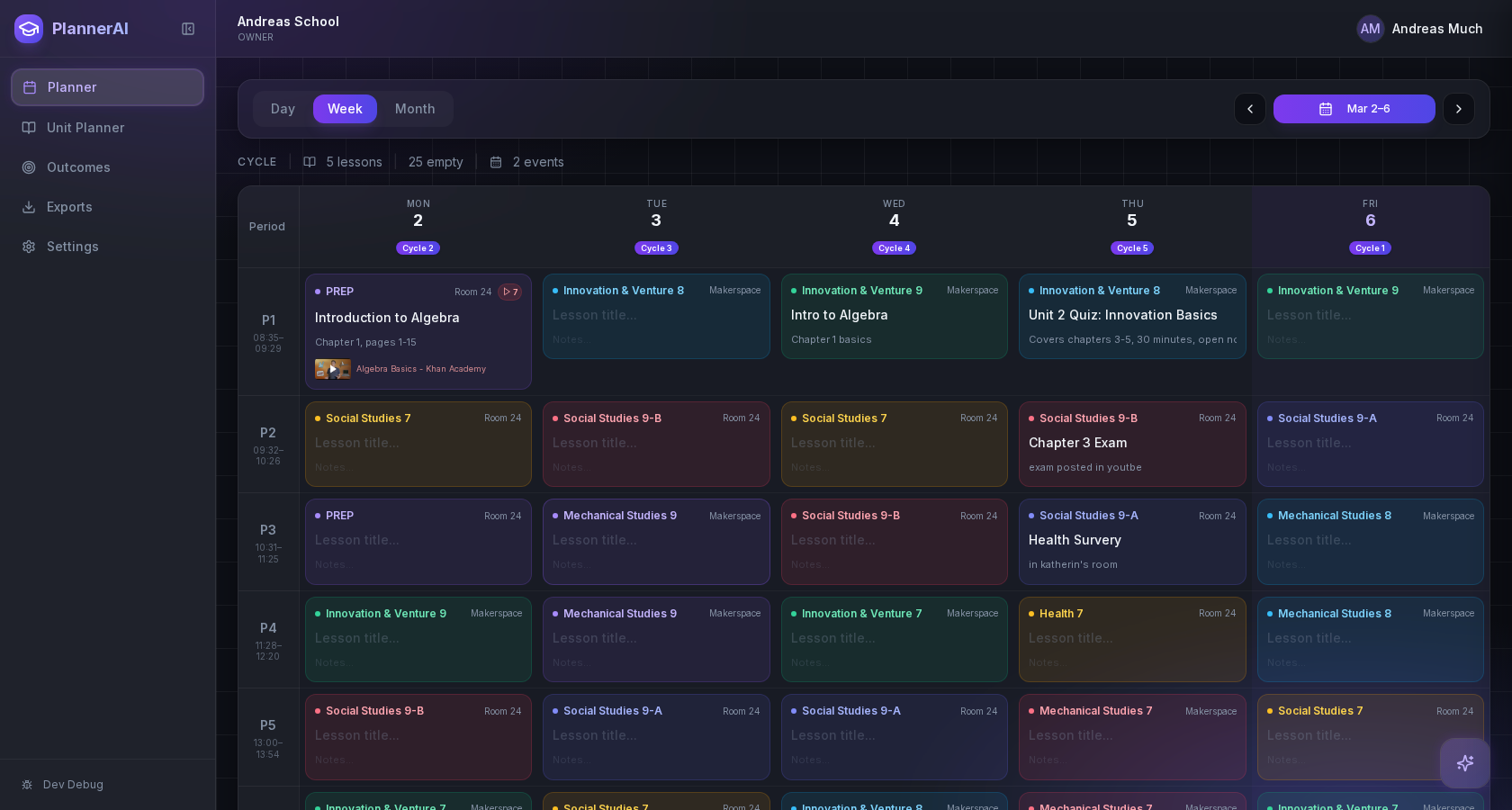
Most teacher planners stop at storing lessons. Planlark uses the actual calendar logic of the school, including cycle days, holidays, and shifts in the week.
Most teacher planners are good at storing lessons. Generic AI is good at writing drafts. Planlark is built to connect those jobs into one schedule-aware workflow so the plan can actually survive the week teachers have.
Comparison table
This is a comparison of common tool categories teachers already know. The main point is not that other tools are useless. It is that most of them leave the teacher doing the connection work manually.
| What teachers need | Most teacher planners | Generic AI tools | Planlark |
|---|---|---|---|
| Knows your real class calendar | Rarely | No | Yes |
| Turns curriculum docs into lessons | Sometimes | Manual | Yes |
| Tracks outcomes while you plan | Usually separate | Manual | Yes |
| Handles last-minute rescheduling | Weak | Manual | Yes |
| Lets you edit by voice or text | Rare | Yes, but disconnected | Yes |
| Keeps units, lessons, and assessments connected | Partial | No | Yes |
| Built around school-specific rotation schedules | Rare | No | Yes |
Why teachers switch
Most teacher planners stop at storing lessons. Planlark uses the actual calendar logic of the school, including cycle days, holidays, and shifts in the week.
Curriculum import, outcome tracking, unit planning, and lesson generation stay connected instead of living across separate documents and tabs.
Teachers can speak or type changes to Lark and update the plan without redoing everything manually after a class runs long or the schedule changes.
Honest fit
Still fine if you mainly want a static record of lessons and do not need connected curriculum, schedule-aware planning, or AI actions.
Useful for one-off drafting, but they do not know your calendar, classes, outcomes, or what is already planned unless you rebuild that context every time.
Best fit if you want one place to handle units, lessons, outcomes, scheduling, voice planning, assessments, and post-class revision without losing context.
FAQ
No. This page compares categories of tools that teachers commonly use: traditional planners, generic AI tools, and connected planning systems.
Because many teachers currently use both a planner and a separate AI tool. The main difference is that Planlark keeps the AI inside the planning workflow instead of making teachers rebuild context in every prompt.
If you only need a place to log lessons and do not care about AI actions, schedule-aware placement, or connected curriculum tracking, a simpler tool may still be enough.
Early access
Join early access and try Planlark with your real schedule, curriculum, and planning context.
No credit card required. Early access updates only.