1
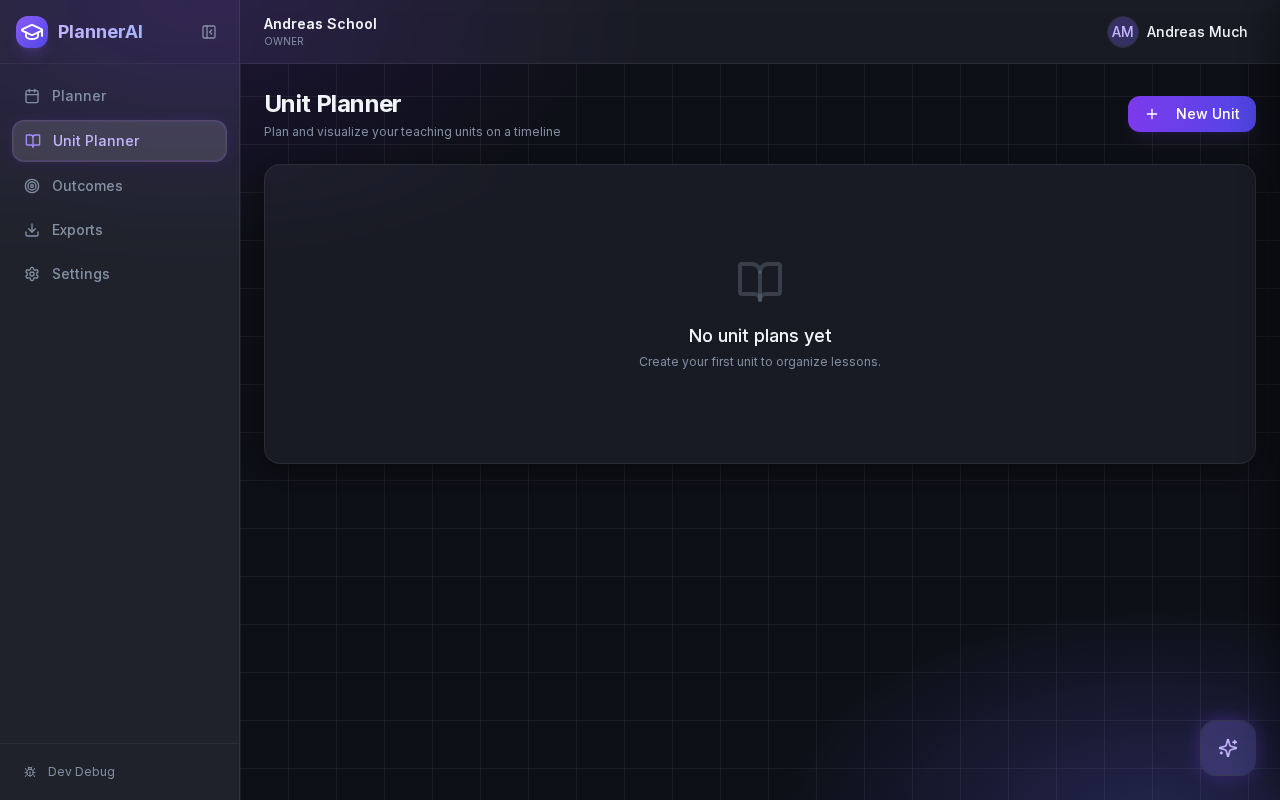
Open the Assessments tab in the Unit Planner
Assessments are attached to real unit context, so start inside the unit you are teaching. From there you can use Lark, open the create dialog, or start from a standard or text template.
Build quizzes, exit tickets, standard assignments, and text-based assignments with answer keys, editable question types, and AI control over each assessment.
Who this guide is for
Teachers creating assessments from a unit, lesson sequence, reading, or pasted source text.
By the end
Create a first-class assessment from the Unit Planner.
By the end
Use standard and text-based assignment templates with answer keys.
By the end
Edit, regenerate, reorder, and print assessment content without leaving the planner.
These steps are ordered to match how the planner works in practice, so later actions build on the context created in earlier ones.
Assessments are attached to real unit context, so start inside the unit you are teaching. From there you can use Lark, open the create dialog, or start from a standard or text template.
Use the standard assignment template for a general handout and the text template when students should read a passage before answering. Add source text, textbook excerpts, or lesson context before generating the questions.
Planlark can produce multiple choice, short answer, fill in the blank, and matching questions. Every assessment should keep an answer key with explanations and acceptable alternatives where needed.
Ask Lark to replace Question 4, add a matching section, make the assessment easier, or delete a set of questions. The assessment builder is designed so AI and manual editing work on the same record.
Use the built-in template preview to switch between student copy and answer key, then print or download the branded template output. This gives you a ready-to-use classroom document without losing the editable source record.
FAQ
Yes. The builder is meant to stay editable. You can change prompts, switch question types, revise answer keys, reorder items, or ask Lark to regenerate only part of the assessment.
The standard template is a general branded assignment layout. The text template adds a reading or source passage above the questions so students work from shared text.
Related guides
Use the Unit Planner to create a unit, add source material, generate lesson sequences on real dates, and keep outcomes tied to the plan.
Use Lark by text or voice to create, edit, delete, reschedule, and explain planning work across lessons, units, outcomes, and assessments.
Use the weekly and daily planner views to track real class dates, move lessons safely, spot gaps, and feed debrief notes back into the next plan.
Early access
Join the early access list and use Planlark with your real schedule, curriculum, units, and assessments.
No credit card required. Early access updates only.